
The Problem That Started Everything
I needed data from a website that had no API. Hundreds of pages, each one with a table of information I needed to analyze. The manual approach — copying and pasting — would have taken days and produced the kind of errors that creep in when you’re on your third hour of repeating the same keystroke. The alternative was to write a scraper, which I had never done, on a Saturday afternoon with no clear deadline and nothing to lose.
Twenty-four hours later, I had a working scraper, a clean CSV, and a considerably better understanding of how the web actually works under the hood. This is the part nobody tells you: building something that works on real-world data teaches you more in a weekend than weeks of following tutorials on synthetic examples.
What a Web Scraper Actually Is
A web scraper is a program that visits web pages and extracts data from them automatically. Every time you load a page in a browser, your browser is requesting an HTML document, parsing it, and rendering it visually. A scraper does the first two steps programmatically — it requests the HTML and then parses it to extract the specific information you want, without the rendering step.
The basic flow is: send an HTTP request to a URL, receive an HTML response, parse the HTML to find the elements you want, extract the data, store it somewhere useful. That is genuinely all it is for simple cases. The complexity enters when websites add JavaScript rendering, authentication, rate limiting, or dynamic content loading — but those are problems for later.
The Tools I Used
Python is the obvious choice for web scraping and the one I already had some comfort with. The two libraries that handle most scraping work are Requests (for making HTTP requests) and BeautifulSoup (for parsing HTML). Installing both takes about thirty seconds. There is also Scrapy, which is a full scraping framework with more built-in features, but it has a steeper learning curve and is overkill for a first project.
| Tool | What It Does | When to Use It |
|---|---|---|
| Requests | Makes HTTP requests to fetch web pages | Any scraping project; simple and reliable |
| BeautifulSoup | Parses HTML and lets you navigate the structure | Static pages where the content is in the HTML |
| Selenium / Playwright | Controls a real browser to handle JavaScript | Pages that load content dynamically via JavaScript |
| Scrapy | Full scraping framework with scheduling, pipelines | Large-scale or production scraping projects |
The First Real Obstacle: Understanding HTML Structure
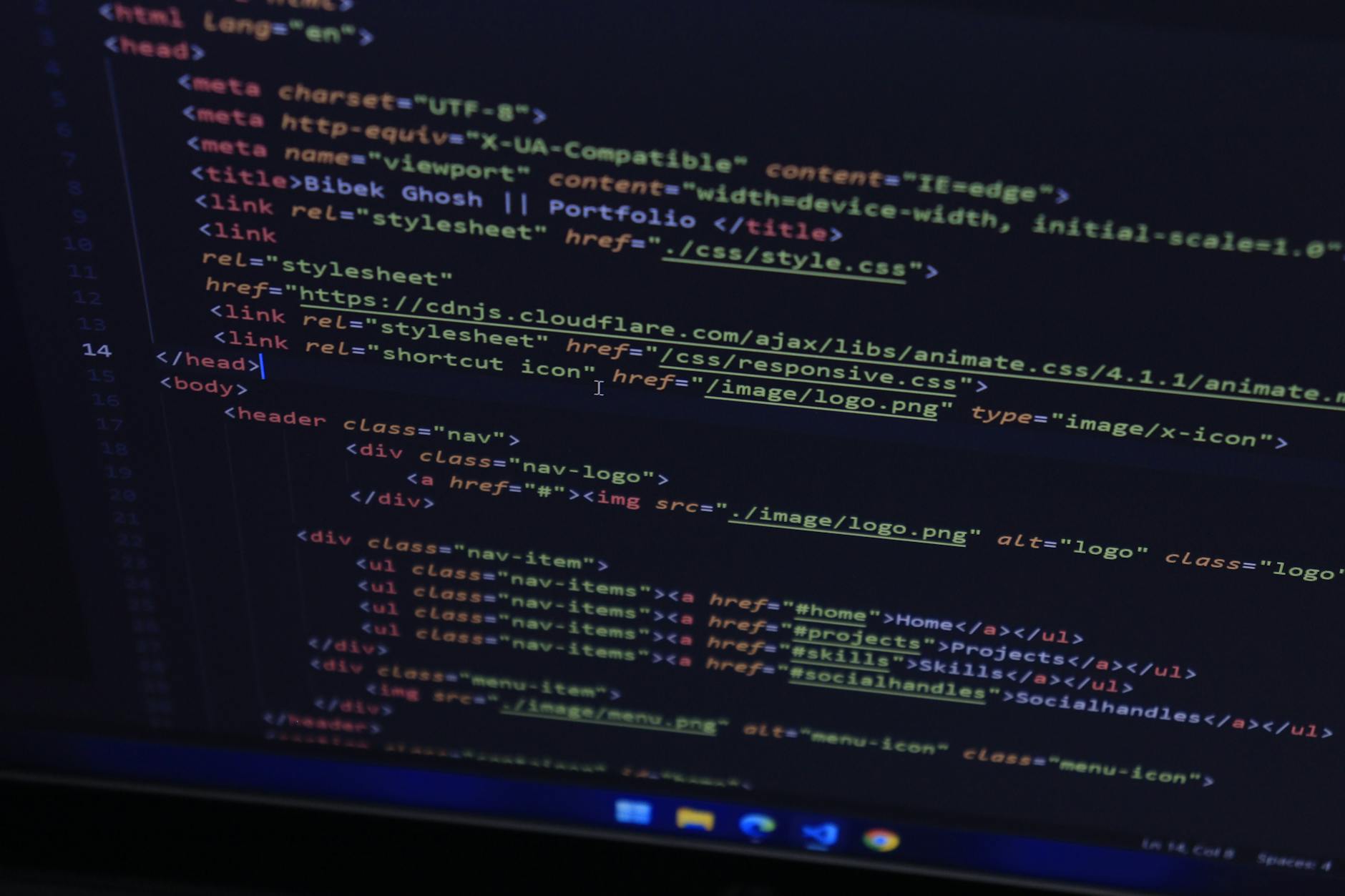
The skill that makes scraping possible — and that no tutorial fully prepares you for — is reading HTML. Every website has a structure: nested tags, class names, IDs, attributes. To extract data, you need to understand how the page is organized well enough to write a selector that finds what you want.
The browser’s developer tools are your best friend here. Right-click on any element, select “Inspect,” and you see the HTML tree that underlies what you’re looking at. You can experiment with selectors directly in the browser console before writing any Python. This loop — inspect in browser, write selector, test in Python — is the core workflow of scraping.
The first real thing I discovered was that websites are often much more structurally inconsistent than they appear. The table I was trying to scrape had slightly different HTML on different pages. Edge cases are everywhere. A scraper that works on ten pages can fail silently on page eleven because of a slightly different class name or a missing element. Writing robust scrapers means anticipating inconsistency and handling it gracefully.
The Ethics and Legality You Should Know Before Starting
Web scraping exists in a genuinely complicated legal and ethical space. The technical fact that you can scrape a website does not mean you should, and several questions are worth asking before you start.
- Does the site have an API? If yes, use it. APIs are explicitly designed for programmatic access and are more reliable than scraping.
- What does the robots.txt file say? This file, found at domain.com/robots.txt, tells crawlers which pages they are permitted to access. Respecting it is basic web citizenship.
- Are you hitting the server hard enough to cause problems? Adding delays between requests is both polite and self-protective (many sites rate-limit or block IPs that make too many requests too quickly).
- What are you doing with the data? Personal research and analysis are quite different from commercial use or republishing someone else’s data.
What I Would Do Differently
Looking back, I would have spent more time in the browser inspector before writing a single line of code. I wasted at least two hours writing selectors that worked on the first page and broke on the third. More time understanding the structure upfront would have saved more time debugging later.
I also would have added logging earlier. When a scraper runs silently for ten minutes and produces no output, you don’t know whether it’s working slowly or failing completely. Print statements or proper logging that shows you what the script is doing at each step are not optional in any real scraping project.
The most valuable thing the weekend gave me was not the data — though I did get the data. It was a working understanding of HTTP, HTML structure, and the relationship between what a browser renders and what the underlying document looks like. These are foundational concepts that show up everywhere in web development and data work. A weekend project that requires you to actually understand them is worth more than any amount of reading about them.
Sources
- Mitchell, R. (2018). Web Scraping with Python. O’Reilly Media.
- Sweigart, A. (2019). Automate the Boring Stuff with Python. No Starch Press.
- Python Requests documentation: docs.python-requests.org