
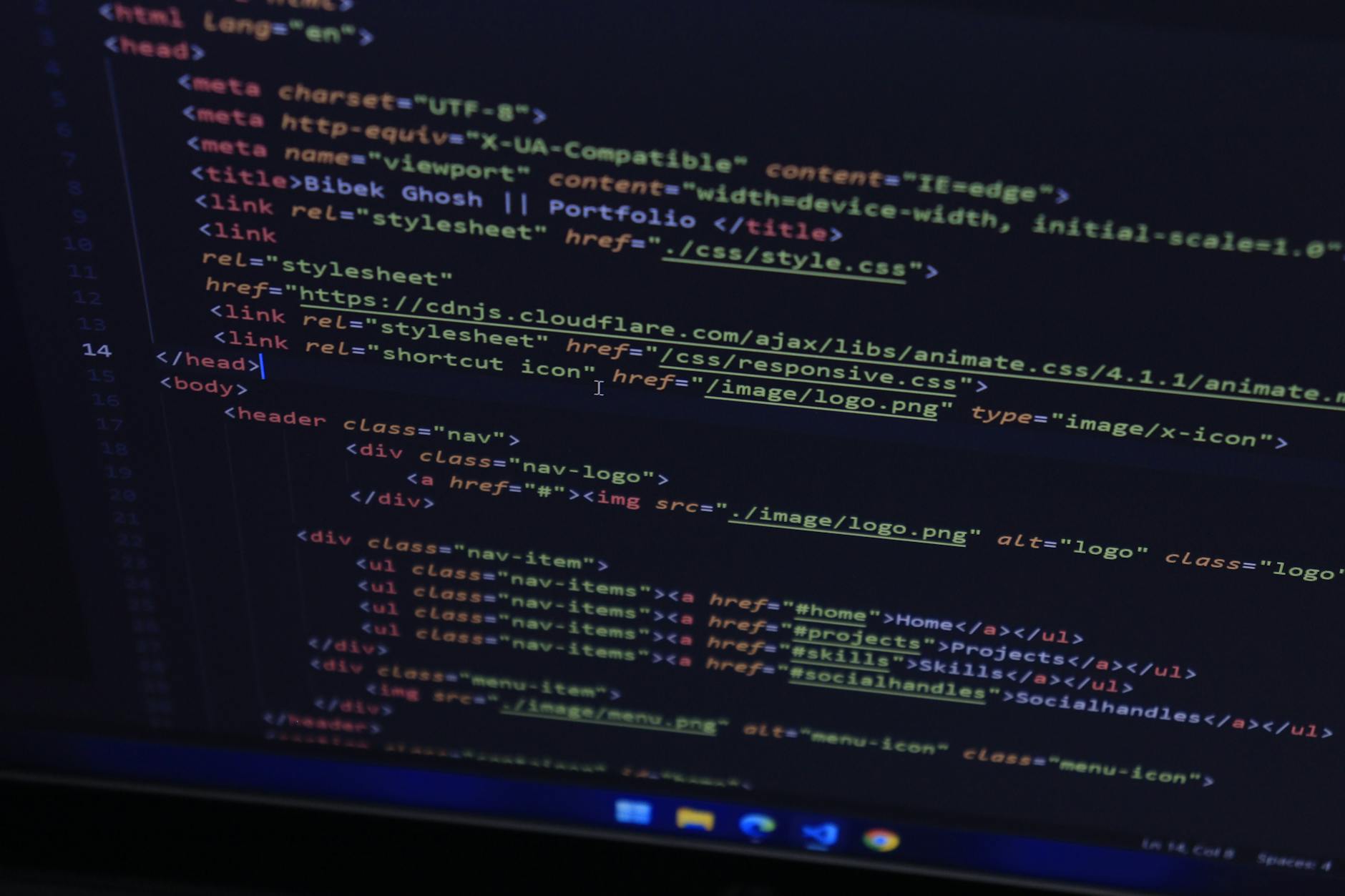
Imagine needing to extract data from a website, only to find it offers no API. As you sit, eyeing the hundreds of pages each holding crucial information, the prospect of manual data entry seems daunting. For me, this was the moment I decided to dive into the world of web scraping. Armed with only a basic understanding of coding and a weekend at my disposal, I embarked on a journey that would not only deliver the data I needed but also unveil the intricacies of how web scraping can be a powerful tool.
Within just 24 hours, I had conjured up a working scraper, yielding a clean CSV file and instilling in me a newfound appreciation for the web’s underpinnings. The experience transformed my perception of data gathering, highlighting a core truth: practical application often teaches more than theoretical learning ever could.
The stakes were higher than just obtaining data. The real challenge lay in crafting something tangible, something that had to function in the unpredictable world of real-world web data. And with that, the weekend project became a crash course in the art and science of web scraping.
In this article: Understanding web scrapers · Tools for web scraping · HTML structure intricacies · Ethical considerations of scraping
Web Scrapers: Demystifying the Process
If you’ve ever wondered what exactly a web scraper does, think of it as a relentless digital assistant. It visits web pages, collects data, and catalogs it for you. Typically, when you visit a website, your browser requests an HTML document, parses it, and renders it visually. A scraper, however, skips the rendering, focusing purely on fetching and parsing the HTML to extract pertinent information.
The beauty of web scraping lies in its ability to automate what would otherwise be a mind-numbing manual task.
The process is deceptively simple: send an HTTP request to a URL, receive an HTML response, parse the HTML, extract the data, and store it. However, as straightforward as it sounds, complexities arise with JavaScript-rendered content, authentication hurdles, and rate limiting. These challenges are what make web scraping both fascinating and formidable.
Consider a company like Zillow, which compiles vast amounts of real estate data. While they have APIs for developers, their extensive web presence also makes them a target for web scraping. However, any attempt to scrape must navigate their dynamic content and strong anti-scraping measures, demonstrating the balance between opportunity and challenge in this field.
The Essential Tools for Web Scraping
In my case, Python was the weapon of choice for building my scraper. Its combination of simplicity and power makes it a favorite among data enthusiasts and developers. Two libraries stand out for web scraping: Requests, which handles HTTP requests, and BeautifulSoup, which excels at parsing HTML. Both are straightforward to install and use, making them ideal for beginners.
According to the 2020 Stack Overflow Developer Survey, Python is used by 44% of developers, underscoring its popularity for tasks like web scraping.
For more complex requirements, consider tools like Selenium or Playwright, which control real browsers and can handle JavaScript-heavy pages. Scrapy, a comprehensive framework, offers advanced features suitable for large-scale projects, but it might be overkill for a simple task. Each tool has its strengths, and choosing the right one depends on your specific needs and project scope.
When I set out to scrape data, I realized the importance of selecting the right tools early on. For instance, using Requests and BeautifulSoup allowed me to quickly get started without the overhead of a more complex framework, enabling a focus on learning the intricacies of scraping itself rather than the tools.
Decoding HTML: The Key to Scraping
A crucial skill for any aspiring web scraper is understanding HTML structure. Websites are built with nested tags, class names, IDs, and attributes that dictate layout and functionality. To extract data, you must decipher this structure and write selectors to pinpoint the information you need.
Use browser developer tools to inspect elements, test selectors, and understand page structures before writing any code.
In practice, this means spending time in tools like Chrome’s Developer Tools, where you can inspect elements and test CSS selectors right in the console. For example, the inconsistency I faced with HTML tables underscored the need for robust selectors. Some pages housed slightly different HTML structures, prompting me to devise flexible selectors that could handle variations.
Understanding this process is crucial. Take Amazon, for example, which uses complex HTML structures for its vast product listings. A scraper targeting price details must navigate different layouts and hidden elements that change frequently, demanding a robust understanding of how HTML drives the web.
Ethical Considerations in Web Scraping
Web scraping isn’t just a technical challenge; it’s an ethical one. The fact that you can access data doesn’t inherently grant permission to do so. Before you scrape, several ethical and legal considerations must be addressed.
Always check for an API first. It’s the most reliable and ethical method of accessing data programmatically.
Respect the site’s robots.txt file, which outlines permissible pages for crawling. Also, be mindful of server load; excessive requests can lead to IP bans or worse, damage to the site’s operation. Furthermore, the use of data should align with legal standards, distinguishing between personal research and commercial exploitation.
Consider the famous case of LinkedIn, which has aggressively defended its data against unauthorized scraping. Their legal battles highlight the importance of understanding each platform’s data-use policies and the potential repercussions of ignoring them.
Reflecting on Lessons Learned
Reflecting on my weekend project, I see clear areas for improvement. Spending more time with browser tools before coding would have prevented issues with selector inconsistencies. This early exploration is vital for understanding data structure, which in turn dictates the efficiency of your scraper.
Another crucial element I overlooked initially was logging. Without it, a running script can become a black box, leaving you guessing whether it’s processing data or simply stuck. Logging provides real-time feedback and is indispensable for diagnosing issues as they arise.
Ultimately, the weekend presented more than just data; it was an education in web architecture and data handling. Understanding these elements equips you with the skills necessary for broader applications in web development and data science, making the time investment invaluable.
Frequently Asked Questions
What languages are best for web scraping?
Python, with libraries like Requests and BeautifulSoup, is highly recommended due to its simplicity and power. Other languages like JavaScript (using Node.js) and Ruby also support web scraping with various libraries.
Is web scraping legal?
It depends on the website’s terms of service and local laws. Always check for an API first and consider the site’s robots.txt file. Legal battles, like LinkedIn’s, highlight the complexities involved.
How can I make my scraper more efficient?
Optimize by handling exceptions, adding delays between requests, and using logging to track progress. Efficient parsing and data storage methods also contribute to performance.
What is the biggest challenge in web scraping?
Dealing with dynamic content and anti-scraping measures are significant hurdles. Understanding HTML and having a flexible approach to selector design can mitigate these challenges.
The Short Version
- Web scraping basics — Automate data extraction by fetching and parsing HTML.
- Tools of the trade — Use Python’s Requests and BeautifulSoup for efficient scraping.
- HTML mastery — Learn to read and navigate HTML structures using developer tools.
- Ethical considerations — Always check for an API and respect robots.txt.
- Lessons learned — Early exploration and logging are crucial for efficient scraping.
People Also Search For
web scraping tutorial · best web scraping tools · Python web scraping libraries · how to scrape a website · web scraping ethics · web scraping legal issues · dynamic content scraping · web scraping challenges · HTML parsing tips · web scraping automation
Sources
- Mitchell, R. (2018). Web Scraping with Python. O’Reilly Media.
- Sweigart, A. (2019). Automate the Boring Stuff with Python. No Starch Press.
- Python Requests documentation: docs.python-requests.org